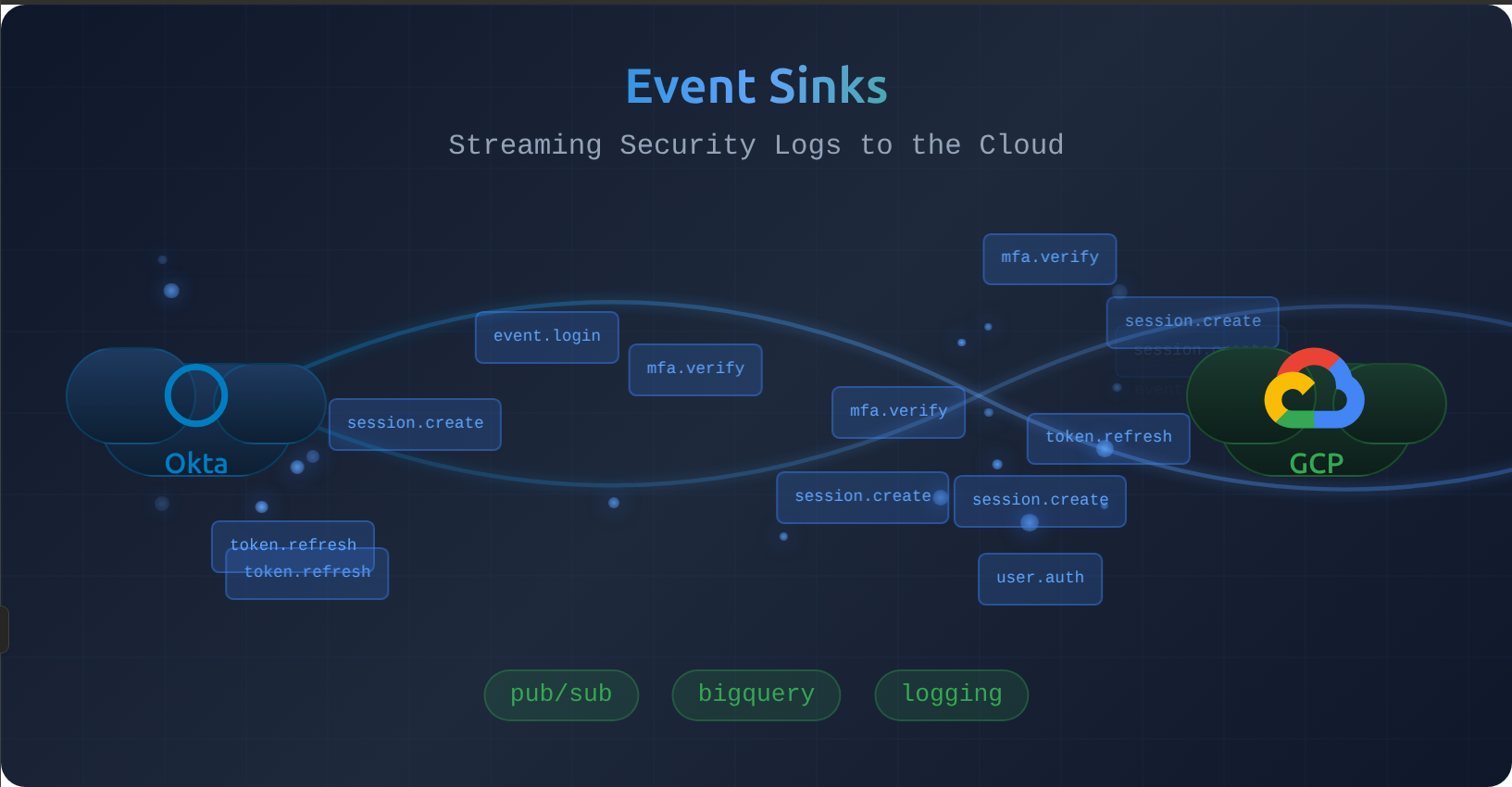
Okta natively integrates with AWS EventBridge, but what about Google Cloud users? Here’s how to bridge that gap and unlock real-time alerting, org-wide Okta dashboards, and BigQuery Okta event archives in the process.
Why Bring Okta Logs to GCP?
By default your Okta logs are locked behind the admin console login, which limits who can help debug authentication issues, detect anomalies, and respond to incidents. Only Okta admins can access the native log viewer, and Okta’s built-in alerting capabilities are limited. You could bring all relevant users in our org into Okta as admins, or you could bring the Okta data into your Google Cloud org, instead.
Once your Okta syslogs land in Google Cloud, you unlock:
- Cloud Logging — Anyone with appropriate IAM permissions can search logs instantly
- Log-based Metrics & Alerting — Page your on-call team when authentication anomalies occur, before users flood your support channels
- Looker Dashboards — Share authentication metrics org-wide: login trends, failure rates, MFA adoption
- BigQuery Log Archives — Cheap, queriable, time limited storage for compliance and security audits
Let’s build it.
Architecture Overview

We’ll use the Okta System Log API with a pre-shared key (API token) for authentication and cursor-based pagination to ensure exhaustive retrieval of all events. We need to save the pagination cursor (just a URL) between job runs, so we’ll keep this in Cloud Storage as an object (file).
The pipeline works as follows:
- Cloud Scheduler triggers the job every 5 minutes
- Cloud Run Job fetches the last cursor from GCS, polls the Okta System Log API for new events, and emits each event to Cloud Logging
- Cloud Storage stores the pagination cursor for the next run
- Cloud Logging receives the structured log entries, enabling search and alerting
- Log Sink routes logs to BigQuery for long-term, immutable archival
Implementation
Project Setup
Initialize a Node 22 TypeScript project:
mkdir okta-gcp-bridge && cd okta-gcp-bridge
npm init -y
npm install typescript @types/node --save-dev
npm install @google-cloud/logging @google-cloud/storage
Configure TypeScript in tsconfig.json:
{
  "compilerOptions": {
    "target": "ES2022",
    "module": "NodeNext",
    "moduleResolution": "NodeNext",
    "outDir": "./dist",
    "rootDir": "./src",
    "strict": true,
    "esModuleInterop": true,
    "skipLibCheck": true
  },
  "include": ["src/**/*"]
}
Create src/index.ts as the entry point.
Fetching Logs from Okta
The Okta System Log API uses cursor-based pagination. Each response includes a Link header with the next URL containing the cursor for subsequent pages. We poll until no more events are returned.
interface OktaLogEvent {
  uuid: string;
  published: string;
  eventType: string;
  actor: {
    id: string;
    type: string;
    displayName: string;
  };
  outcome: {
    result: string;
    reason?: string;
  };
  target?: Array<{
    id: string;
    type: string;
    displayName: string;
  }>;
  debugContext?: {
    debugData: Record<string, string>;
  };
}

async function fetchOktaLogs(
  oktaDomain: string,
  apiToken: string,
  cursor?: string
): Promise<{ events: OktaLogEvent[]; nextCursor?: string }> {
  const baseUrl = `https://${oktaDomain}/api/v1/logs`;
  const url = cursor || `${baseUrl}?sortOrder=ASCENDING&limit=1000`;

  const response = await fetch(url, {
    headers: {
      Authorization: `SSWS ${apiToken}`,
      Accept: "application/json",
    },
  });

  if (!response.ok) {
    throw new Error(`Okta API error: ${response.status} ${response.statusText}`);
  }

  const events: OktaLogEvent[] = await response.json();
  const linkHeader = response.headers.get("Link");
  const nextCursor = parseLinkHeader(linkHeader);

  return { events, nextCursor };
}

function parseLinkHeader(linkHeader: string | null): string | undefined {
  if (!linkHeader) return undefined;

  const links = linkHeader.split(",");
  for (const link of links) {
    const match = link.match(/<([^>]+)>;\s*rel="next"/);
    if (match) {
      return match[1];
    }
  }
  return undefined;
}
Persisting Cursor to GCS
We store the cursor in a GCS object using the @google-cloud/storage library. This gives us durability without the overhead of a database—we only need to persist a single URL string.
import { Storage } from "@google-cloud/storage";

const storage = new Storage();

async function getCursor(bucket: string, path: string): Promise<string | undefined> {
  try {
    const [content] = await storage.bucket(bucket).file(path).download();
    return content.toString("utf-8").trim() || undefined;
  } catch (err: unknown) {
    // This will be missing on the first run :)
    if ((err as { code?: number }).code === 404) {
      return undefined;
    }
    throw err;
  }
}

async function saveCursor(bucket: string, path: string, cursor: string): Promise<void> {
  await storage.bucket(bucket).file(path).save(cursor, {
    contentType: "text/plain",
  });
}
Emitting to Cloud Logging
We use the @google-cloud/logging library to write structured log entries. Each Okta event becomes a Cloud Logging entry with the original event data preserved as the JSON payload. We will use a named log, okta-syslog, to make it easier to query and otherwise work with these logs (like making the log sink later). Writing structured logs has many more benefits than simply emitting these logs to standard out using console.log(), where much of the structured metadata will be lost.
import { Logging, Entry } from "@google-cloud/logging";

const logging = new Logging();
const log = logging.log("okta-syslog");

async function emitToCloudLogging(events: OktaLogEvent[]): Promise<void> {
  if (events.length === 0) return;

  const entries: Entry[] = events.map((event) => {
    const metadata = {
      resource: { type: "global" },
      severity: mapOutcomeToSeverity(event.outcome.result),
      timestamp: new Date(event.published),
      labels: {
        eventType: event.eventType,
        actorId: event.actor.id,
        outcome: event.outcome.result,
      },
    };
    return log.entry(metadata, event);
  });

  await log.write(entries);
}

function mapOutcomeToSeverity(outcome: string): string {
  switch (outcome) {
    case "SUCCESS":
      return "INFO";
    case "FAILURE":
      return "WARNING";
    case "DENY":
      return "ERROR";
    default:
      return "DEFAULT";
  }
}
Putting It Together
The main function orchestrates the flow:
- Read cursor
- Poll Okta until all logs for the last 5min have been read
- Emit logs to Cloud Logging
- Save the Okta API call cursor to Cloud Storage for the next pass (in case something fails mid-job)
async function main(): Promise<void> {
  const oktaDomain = process.env.OKTA_DOMAIN!;
  const apiToken = process.env.OKTA_API_TOKEN!;
  const cursorBucket = process.env.CURSOR_BUCKET!;
  const cursorPath = process.env.CURSOR_PATH || "okta-syslog-cursor.txt";

  let cursor = await getCursor(cursorBucket, cursorPath);
  let totalEvents = 0;

  while (true) {
    const { events, nextCursor } = await fetchOktaLogs(oktaDomain, apiToken, cursor);

    if (events.length > 0) {
      await emitToCloudLogging(events);
      totalEvents += events.length;
      console.log(`Emitted ${events.length} events to Cloud Logging`);
    }

    if (!nextCursor || events.length === 0) {
      break;
    }

    cursor = nextCursor;
    await saveCursor(cursorBucket, cursorPath, cursor);
  }

  if (cursor) {
    await saveCursor(cursorBucket, cursorPath, cursor);
  }

  console.log(`Completed. Total events processed: ${totalEvents}`);
}

main().catch((err) => {
  console.error("Fatal error:", err);
  process.exit(1);
});
Cloud Run Job Configuration
Create a Dockerfile to package the application for Cloud Run Jobs.
We’ll be sure to only include production dependencies when building our file, and we’ll make sure to run as the node user, rather than root (a security anti-pattern). Note we’re using the Alpine image, since it’s very small and light, letting us startup quickly, and consume minimal resources.
FROM node:22-alpine

WORKDIR /app
COPY package*.json ./
RUN npm ci --only=production
COPY dist/ ./dist/

USER node
CMD ["node", "dist/index.js"]
Build and deploy the Cloud Run Job:
# Build and push the container
gcloud builds submit --tag gcr.io/PROJECT_ID/okta-gcp-bridge

# Create the job
gcloud run jobs create okta-syslog-bridge \
  --image gcr.io/PROJECT_ID/okta-gcp-bridge \
  --region us-central1 \
  --set-env-vars OKTA_DOMAIN=your-org.okta.com \
  --set-env-vars CURSOR_BUCKET=your-cursor-bucket \
  --set-secrets OKTA_API_TOKEN=okta-api-token:latest \
  --service-account okta-bridge@PROJECT_ID.iam.gserviceaccount.com
Create the required GCS bucket and Secret Manager secret:
# Create cursor bucket
gcloud storage buckets create gs://your-cursor-bucket --location=us-central1

# Store API token in Secret Manager
echo -n "your-okta-api-token" | gcloud secrets create okta-api-token --data-file=-

# Grant the service account access
gcloud secrets add-iam-policy-binding okta-api-token \
  --member=serviceAccount:okta-bridge@PROJECT_ID.iam.gserviceaccount.com \
  --role=roles/secretmanager.secretAccessor
Cloud Scheduler Trigger
Cloud Run Jobs does not have a native scheduler, but we can use Cloud Scheduler to run the job every 5 minutes:
gcloud scheduler jobs create http okta-syslog-trigger \
  --location us-central1 \
  --schedule "*/5 * * * *" \
  --uri "https://us-central1-run.googleapis.com/apis/run.googleapis.com/v1/namespaces/PROJECT_ID/jobs/okta-syslog-bridge:run" \
  --http-method POST \
  --oauth-service-account-email okta-bridge@PROJECT_ID.iam.gserviceaccount.com
Log Sink to BigQuery
Great, now our job is polling Okta Syslogs and pushing them to Cloud Logging. However, Cloud Logging only has a 30 day default retention. Often it’s helpful to keep audit logs for a few years, just in case you need to investigate a potential issue. We will create a BigQuery dataset and configure a log sink to route Okta logs for long-term archival storage in BigQuery, to do just that.
# Create dataset with 2-year default expiration
bq mk --dataset \
  --default_table_expiration 63072000 \
  --location US \
  PROJECT_ID:okta_syslogs

# Create the log sink
gcloud logging sinks create okta-to-bigquery \
  bigquery.googleapis.com/projects/PROJECT_ID/datasets/okta_syslogs \
  --log-filter='logName="projects/PROJECT_ID/logs/okta-syslog"'

# Grant the sink's service account write access to BigQuery
# (The command above will output the service account to grant)
Conclusion
Building a Google Cloud native event bridge for Okta syslogs is straightforward. With fewer than 200 lines of TypeScript and a handful of gcloud commands, you’ve created a production-ready pipeline.
The cost is minimal:
- Cloud Run Jobs: Billed per 100ms of execution. A job that runs for 5 seconds every 5 minutes costs fractions of a cent per day1.
- Cloud Storage: A single cursor file costs effectively nothing.
- Cloud Logging: Ingesting 1 million log entries per month (roughly 140 events per 5-minute window) costs approximately $0.50/month.
- BigQuery: Storage runs about $0.01/GiB/month for long-term archival.
More importantly, you’ve democratized access to critical authentication data. Your security team can build dashboards tracking login patterns. Your ops team can set up Cloud Monitoring alerts for authentication failures. Your compliance team gets a 2-year audit trail. And when something goes wrong with SSO, you’ll know about it from a PagerDuty alert—not a flood of support tickets.
At 288 runs/day (every 5 min) × 5 seconds × 1 vCPU = 43,200 vCPU-seconds/month, well under the 180,000 vCPU-second free tier. Even without free tier: 288 × 5s × $0.000024/vCPU-sec = ~$0.035/day or ~$1.05/month. ↩︎